I wrote a very in-depth guide for writing and formatting your resume about a year ago (including free templates!), which I recommend checking out here!
A few weeks ago, I started applying for a few start-up jobs in SF (this is an entire separate story), so it was time for the time-honored tradition of updating my resume before I actually sent it over to companies for review.
Unfortunately, now that I’ve graduated from UCLA, I no longer have access to my beloved free Microsoft 365 subscription, which sucks because without the subscription I can’t update my Word-document-formatted resume, which sucks because that meant I couldn’t add to my resume the delightful fact that I’d thru-hiked the Pacific Crest Trail this summer. Not good.
Fortunately for me, around this time I called my dear friend Nathan to virtually play a game of Blokus (my favorite board game). I met him online months ago when I was looking for some Blokus strategy articles to improve my playing, stumbled upon his blog (one of the only good resources on the topic), emailed him to connect, and the rest is history. We started playing Blokus online regularly, and he’s a good friend to this day.
So back to the regularly scheduled tale. I met with Nathan to play Blokus (he cooked me), told him about my resume dilemma (me not wanting to fork over money for my own Microsoft 365 subscription), and after a long conversation of which I’ll spare you the details, he basically said something along the lines of “why don’t you just make your resume in LaTeX.”
I’d heard of LaTeX1 but had never used it before, and after a little digging around I found out the following things, in about this order:
LaTeX is a programming language that turns code into PDFs (it’s also great for writing math formulas, but fortunately I don’t need to do that)
LaTeX is fantastic at making resumes because of its perfect formatting and simple layout
It’s free, forever
Lit
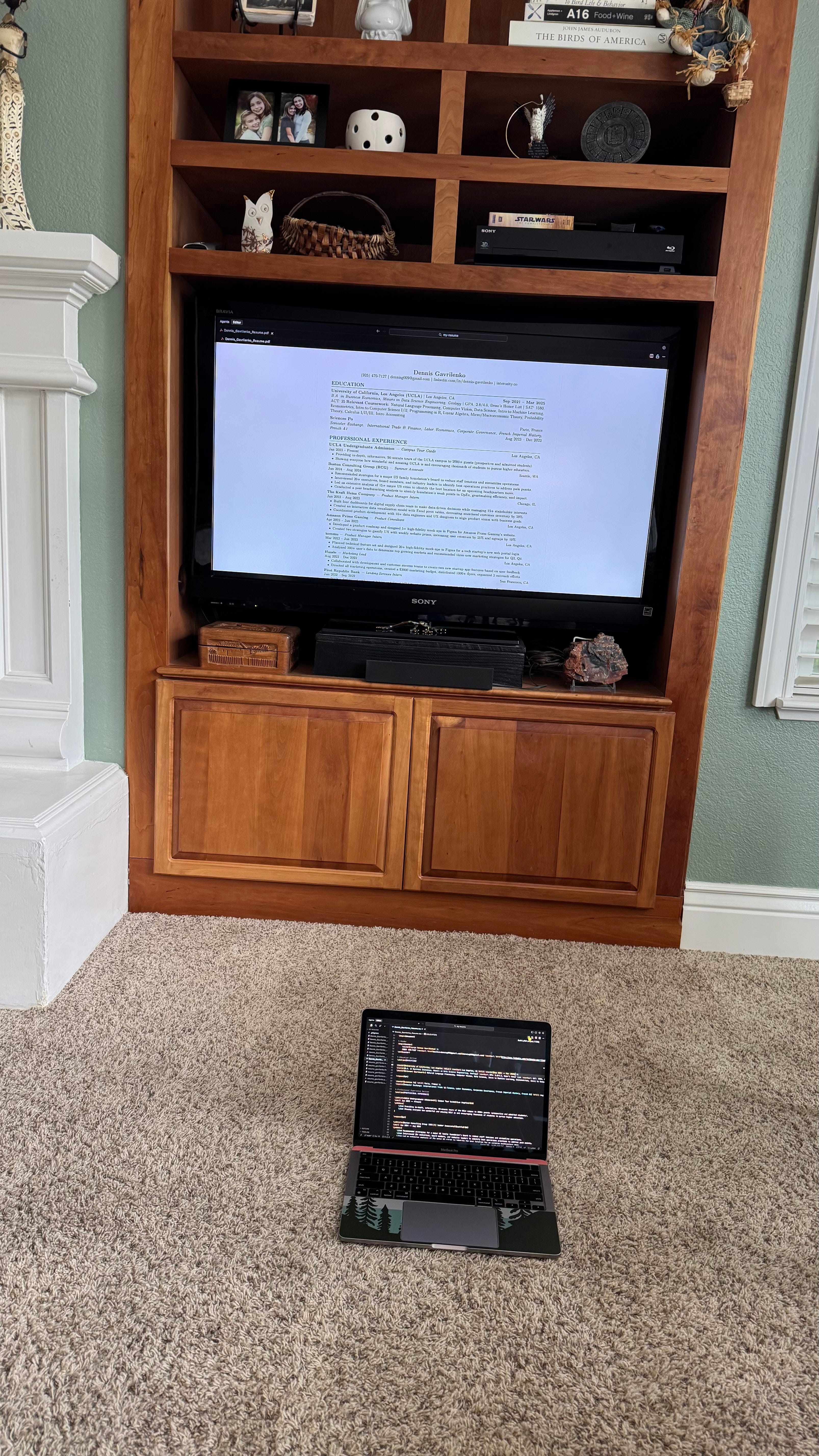
So, I found myself pulling up my ~favorite~ AI researching tool, Perplexity2, made a game plan to convert my existing PDF resume into LaTeX so I could edit it, pulled up my ~favorite~ AI-integrated coding environment, Cursor, and was all ready to go.
And… it turned out great! The entire resume is now just 159 lines of code (including comments), which I can edit at any time, for free, forever. Not bad!3
It looks like this:
(This can definitely be overwhelming if you’ve never coded before, but don’t worry, I describe how to read it clearly later on!)
\documentclass[10pt]{article} % sets font size to 10pt, don't change

% textbf{...} bolds everything inside the brackets
% textit{...} italicizes everything inside the brackets
% \hfill right-aligns all the text after

% Packages, don't change the below 5 lines
\usepackage[margin=0.5in]{geometry} % sets margins to 0.5in
\usepackage[hidelinks]{hyperref} % adds hyperlinks to the document
\usepackage{titlesec} % allows for custom section formatting
\usepackage{enumitem} % allows for custom list formatting
\usepackage{xcolor} % allows for custom colors

% Sets color shades for section titles
\definecolor{darkblue}{RGB}{0, 51, 102}

% Formatting for section titles, don't change
\titleformat{\section}{\large\bfseries\color{darkblue}}{}{0em}{}[\titlerule]
\titlespacing{\section}{0pt}{10pt}{5pt}

% Removes default paragraph indentation, don't change
\setlength{\parindent}{0pt}

% Custom formatting for job entries (see example of this below)
% #1 is the company name
% #2 is the job title (e.g. Product Manager Intern, Marketing Lead, etc.)
% #3 is the location (e.g. Los Angeles, CA; Seattle, WA; Chicago, IL; etc.)
% #4 is the date (e.g. Jan 2023 -- Mar 2025; Jun 2024 -- Aug 2024; etc.)
\newcommand{\jobtitle}[4]{
    \textbf{#1} \textbar\ \textit{#2} \textbar\ #3 \hfill \textbf{#4}
}

% Custom formatting for job descriptions
% Creates a new bullet-point list environment with no separation between items and a left margin of 0.25in
\newcommand{\jobdesc}[1]{
    \begin{itemize}[nosep, leftmargin=0.25in]
        #1
    \end{itemize}
}

% Removes page numbers from the document
\pagestyle{empty}

% Start of the actual document!!
\begin{document}

% Header section
\begin{center}
    \textbf{\Large Dennis Gavrilenko} \\
    (xxx) xxx-xxxx \textbar\ \href{mailto:dennisg009@gmail.com}{dennisg009@gmail.com} \textbar\ \href{http://www.linkedin.com/in/dennis-gavrilenko}{linkedin.com/in/dennis-gavrilenko} \textbar\ \href{http://www.interosity.co}{interosity.co}
\end{center}

% Education section
\section{EDUCATION}

\textbf{University of California, Los Angeles (UCLA)} \textbar\ Los Angeles, CA \hfill \textbf{Sep 2021 -- Mar 2025} \\
B.A. in Business Economics, Minor in Data Science Engineering \textbar\ GPA: 3.7/4.0, Dean’s Honor List \textbar\ SAT: 1580, ACT: 35 \\
\textit{Relevant Coursework: Natural Language Processing, Computer Vision, Data Science, Intro to ML, Econometrics, \\ Programming in R, Intro to Computer Science I/II, Linear Algebra, Probability Theory, Calculus I/II/III, Intro Accounting}

\vspace{5pt}

\textbf{Sciences Po} \textbar\ Paris, France \hfill \textbf{Aug 2023 -- Dec 2023} \\
\textit{Semester Exchange: International Trade \& Finance, Labor Economics, Corporate Governance, French Imperial History}

% Professional Experience section
\section{PROFESSIONAL EXPERIENCE}

\jobtitle{UCLA Undergraduate Admission}{Campus Tour Guide}{Los Angeles, CA}{Jan 2023 -- Mar 2025}
\jobdesc{
    \item Provided in-depth, informative, 90-minute tours of the UCLA campus to 2000+ guests (prospective/admitted students).
    \item Showed everyone how wonderful and amazing UCLA is and encouraged thousands of students to pursue higher education.
}

 % Dennis was here!

\vspace{3pt}

\jobtitle{Boston Consulting Group (BCG)}{Summer Associate}{Seattle, WA}{Jun 2024 -- Aug 2024}
\jobdesc{
    \item Recommended strategies for a major US family foundation’s board to reduce staff tensions and streamline operations.
    \item Interviewed 20+ executives, board members, industry leaders to identify best operations practices to address pain points.
    \item Led an extensive analysis of 40+ major US cities to identify the best location for an upcoming headquarters move.
    \item Conducted a peer benchmarking analysis to identify client’s weak points in OpEx, grantmaking efficiency, and impact.
}

\vspace{3pt}

\jobtitle{The Kraft Heinz Company}{Product Manager Intern}{Chicago, IL}{Jun 2023 -- Aug 2023}
\jobdesc{
    \item Helped build four data-driven dashboards for digital supply chain team while managing 15+ stakeholder interests.
    \item Created an interactive visualization model with Excel pivot tables, decreasing unordered customer inventory by 20\%.
    \item Coordinated product development with 10+ data engineers and UX designers to align product vision with business goals.
}

\vspace{3pt}

\jobtitle{Amazon Prime Gaming}{Product Consultant}{Los Angeles, CA}{Apr 2023 -- Jun 2023}
\jobdesc{
    \item Developed a product roadmap and designed 5+ high-fidelity mock-ups in Figma for Amazon Prime Gaming’s website.
    \item Created two strategies to gamify UX with weekly website prizes, increasing user retention by 25\% and signups by 10\%.
}

\vspace{3pt}

\jobtitle{kommu}{Product Manager Intern}{Los Angeles, CA}{Mar 2023 -- Jun 2023}
\jobdesc{
    \item Planned technical feature set and designed 20+ high-fidelity mock-ups in Figma for a startup’s new web portal login.
    \item Analyzed 200+ users’ data to determine top growing markets, recommended three new marketing strategies for Q3, Q4.
}

\vspace{3pt}

\jobtitle{Hussle}{Marketing Lead}{Los Angeles, CA}{Aug 2022 -- Dec 2022}
\jobdesc{
    \item Collaborated with development and customer success teams to create two new app features based on user feedback.
    \item Directed all marketing operations, created \$3000 marketing budget, distributed 1000+ flyers, organized 3 outreach efforts.
}

\vspace{3pt}

\jobtitle{First Republic Bank}{Lending Services Intern}{San Francisco, CA}{Jun 2022 -- Sep 2022}
\jobdesc{
    \item Digitized paper housing records system to simplify documentation access and increase loan closing team’s efficiency.
    \item Built Excel dashboard with pivot tables and VBA to analyze 100+ intern surveys, recommended 3 areas for improvement.
    \item Continuously communicated, implemented changing needs for 40+ stakeholders, including 2 managers and 35+ clients.
}

% Leadership and Volunteer section
\section{LEADERSHIP AND VOLUNTEER EXPERIENCE}

\jobtitle{The Bruin Group Consulting}{Project Manager, Senior Consultant}{Los Angeles, CA}{Jan 2022 -- Mar 2025}
\jobdesc{
    \item Led a 10-week, 5-person project to create growth strategies to increase a startup carpooling service’s user base by 300\%.
    \item Created a developer marketing strategy and implementation timeline for a startup’s SaaS and API products.
}

\vspace{3pt}

\jobtitle{Boy Scouts of America}{Senior Patrol Leader, Quartermaster}{Antioch, CA}{Feb 2014 -- Sep 2021}
\jobdesc{
    \item Led my troop of 20+ Scouts on extended camping trips, earned 51 merit badges, advanced 10+ younger Scouts’ ranks.
    \item Participated in several city clean-ups, Christmas tree pickups while volunteering hundreds of community service hours.
    \item Volunteered in 13 Eagle Scout Projects, earned 2 Eagle Scout Mentor pins, National Youth Leadership Training.
}

% Skills and Interests section
\section{SKILLS AND INTERESTS}

\textbf{Programming Skills:} Data Analysis (Python, R, SQL, VBA, Excel, PowerPoint), Project Management (Jira, Notion, Agile Development, Scrum), Product Marketing (User Research, A/B Testing, Setting KPIs), Java, C++.

\vspace{3pt}

\textbf{Languages:} Fluent in English and Russian, learning French so that I can talk to the Parisian baker in my neighborhood.

\vspace{3pt}

\textbf{Achievements:} Backpacked the Pacific Crest Trail (2025), Eagle Scout, LA Marathon finisher (2023, 2024), SF Marathon finisher (2024), climbed highest volcano in CA (Mt. Shasta) twice, curated art gallery in LA, WayUp Top 100 Intern (2023).

\vspace{3pt}

\textbf{Interests:} Growing ghost peppers, reading science fiction novels, juggling, poker, geology, raising chickens, postcards, \\ Roman archaeology, playing the accordion, long-distance cycling, blogging on Substack, Blokus, hitchhiking, regular hiking.

\end{document}
Phew, we made it to the end.
To turn this code block into a resume, simply copy all the code, go to the website Overleaf (a free LaTeX renderer), paste the code into the editor, compile it, and boom! It’s my resume! Sick! (You can also just look at the PDF version below lol, but it’s cool to see the code compile into a full resume)

At this point, if you’ve taken a coding class before and can read the LaTeX document pretty easily, you’re pretty much set. Just use my code as a template for yours, edit as needed, and have yourself a resume that you can edit for free, forever! If you’re even more tech-savvy and code regularly, you can edit the LaTeX in your coding environment of choice (Cursor for me) and commit any changes to GitHub with git, and now you can see all the resume edits you make over time. This way, you can revert any bad changes, but even better you can see your resume changes and grows over time. Pretty neat, and something I wish I started tracking earlier in college as I completed internships and joined new clubs. If you have no idea what those last 2 sentences mean, don’t worry and pretend you never read them.
If you haven’t coded before, don’t worry! Throughout the code, I’ve included a ton of comments for you to read and better understand what’s happening; in LaTeX, the commenting characters are percents (“%”), so every time you read after a percent symbol, the comment isn’t actually code, but rather descriptions of the code to describe to human readers what’s happening there. You’ll see plenty of %s in the code, so read what they say for more helpful context! Comments that say “don’t change”… shouldn’t be changed; sections without them should be updated with your info!
Play around with changing different parts of my template resume in Overleaf, and see what those changes do to the final PDF rendering. Once you’re comfortable with how coding in LaTeX works, go ahead and change all the information to be yours, and enjoy your resume! If you’re having trouble or have any questions, just respond to this email or text me, I’d love to help.
Well, that’s all for me. Enjoy the template code, good luck with making your resume, and have a generally slay day!
Best,
Dennis :)
Dennis’s Picks:
I’m really excited to get back into including Dennis’s Picks at the end of my Interosity pieces, which are basically my favorite other media I’ve been reading/watching/listening to recently. I’ll try to include 3-5 of my favorites since the last article, both as a way to share cool things with you and to create an archive of what I was learning at this particular moment in time.
I really enjoyed Robin Guo’s piece, Life is Poker, Not Chess, where he describes how all of your decisions, especially those related to your career, are more analogous to poker than chess because they deal with incomplete information with uncertain probabilities. Highly recommend
This promotional video for a startup called Poke. I haven’t even used the product, but boy does that video remind me of studying abroad in Paris ❤️
The Acquired podcast. Holy shit, they’re good. Fantastic, long-form episodes that are deep dives into different business histories. All their episodes are great, but my favorites are Costco, Trader Joe’s, and the Google saga. Amazing amazing amazing, I could listen to David Rosenthal all day
The Lumineers. Wonderful band, wonderful music. Melancholy and meaningful and delightful, all in one
Pronounced “Lay-Tech”
I need to write an entire article about how amazing Perplexity is, but here’s the short one. I legitimately love Perplexity so much, and use it at least a dozen times a day… it’s completely replaced Google for 90% of my searches. If you’re a UCLA student and sign up with your .edu email, you get a free year of Pro! Even better, if you use my referral code, we both get an extra free month of Pro. Sick!
To top it all off, I did this entire resume-transcription-in-LaTeX project at my girlfriend’s house while I was home alone with her anxious dog, and generally had a tremendous time screen sharing my laptop to their TV while petting the aforementioned anxious dog. Anxiety cured, resume built. 💪